Shopify app
Automatic upsell and cross-sell for Shopify
Neurocart is a Shopify upsell app and cross-sell app: it offers customers the right products from the cart and on the product page, chosen from your store's real purchases. Blocks are added from the theme editor, with no code. “Frequently bought together” is one of the types.
How it works
Install the app
You install Neurocart on your Shopify store and connect the store to the panel. Every night the suggestions are refreshed, tuned to your store and your stock.Add the blocks from your theme
In the theme editor you add the Recommended products block and choose the type: upsell, cart cross-sell, bought together. There is a dedicated block for the cart drawer, Cart drawer recommendations.Check the results
The dashboard shows clicks, orders and revenue attributed to recommendations.
What it does
Cart cross-sell
Suggestions calculated on everything in the cart, also inside your theme's cart drawer.Upsell with related products
Automatically it suggests items related to the cart and cheaper, chosen from your store data. If you prefer, you pick the categories to suggest, for example accessories.Bought together
What customers who bought this product choose: the classic “frequently bought together” on the product page. Recent purchases count more.
And more
Complementary products
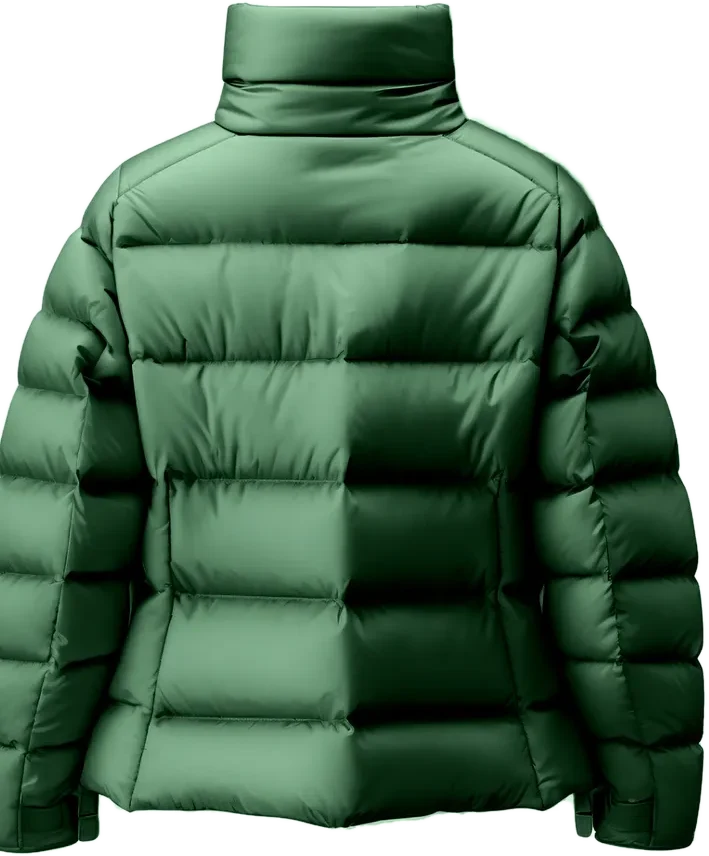
A different kind of product that completes the one the customer is looking at: the jacket with the beanie.More cart suggestions
More products from types related to the cart or the product being viewed, beyond those in Cross-sell from cart. There are also similar products (features, tags and description close to the product, on the product page), new arrivals (the latest products added to the catalog, on the home page) and recommended for you (for signed-in customers, from their purchase history).Cards in your theme's style
Recommended products inherit your theme's card, recognized automatically, or you use a Neurocart style (Editorial, Glass, Minimal, Frame) and adjust format, radius, border, colors with opacity, shadow, font, animation and what to show.
Frequently asked questions
What is the difference between upsell and cross-sell?
Upsell offers a higher-value or more complete product than the one chosen; cross-sell offers something that goes with it, such as an accessory. Neurocart's Upsell type, for customers who already have something in the cart, suggests a related and cheaper item to add: automatically, or you pick the categories.
Do I need a developer to add upsell and cross-sell?
No. You install the app, connect the store to the panel with a code and add the blocks from the Shopify theme editor. Your theme code stays untouched.
Can I choose which products to offer as an upsell?
Yes. Automatically Neurocart suggests items related to the cart and cheaper; if you prefer, you choose the categories to suggest from the panel.
Does it work with my theme's cart drawer?
There is a dedicated cart drawer block, which you can place before the subtotal, after the items or at the bottom. The drawer is detected automatically, or you enter the selector yourself.
How much does it cost?
Plans start at €79 a month and include both recommendations and the chatbot. Access is by invitation.
Keep exploring
Your store already knows what to recommend. Give it a voice.
Invite-only access · Setup included · Based in Italy