Shopify app
Shopify related products, based on what customers actually buy
Neurocart adds related products, “you may also like” and “complete the look” to your Shopify store, choosing items from your own customers' purchases. You add the block from the theme editor, with no code, and the recommended products refresh every night.
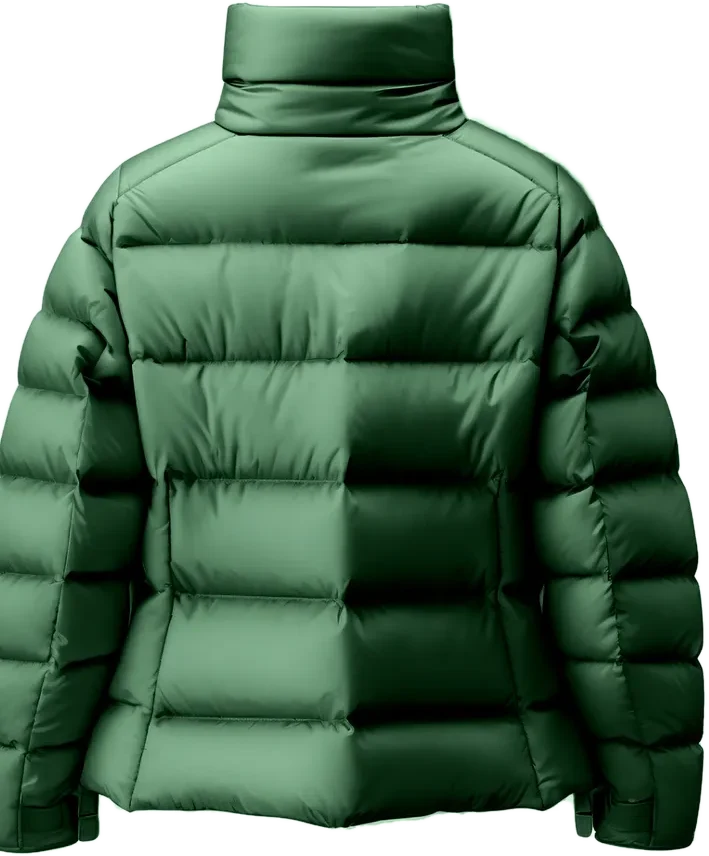
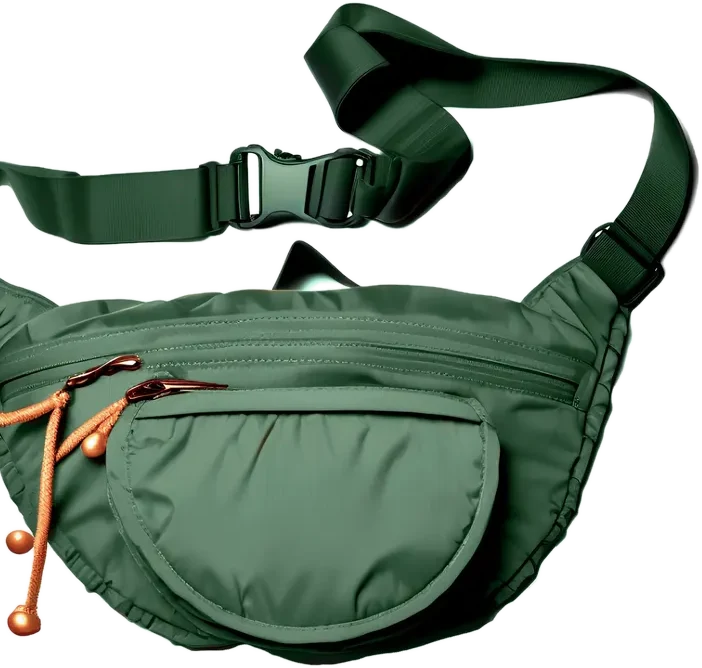
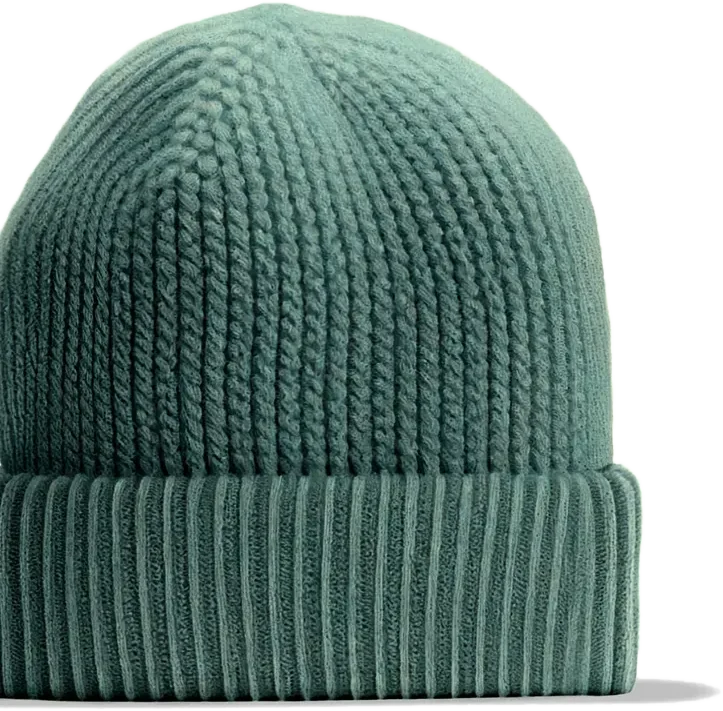
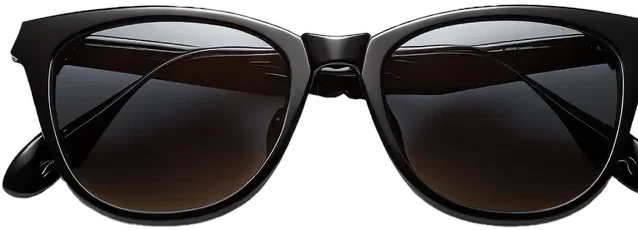
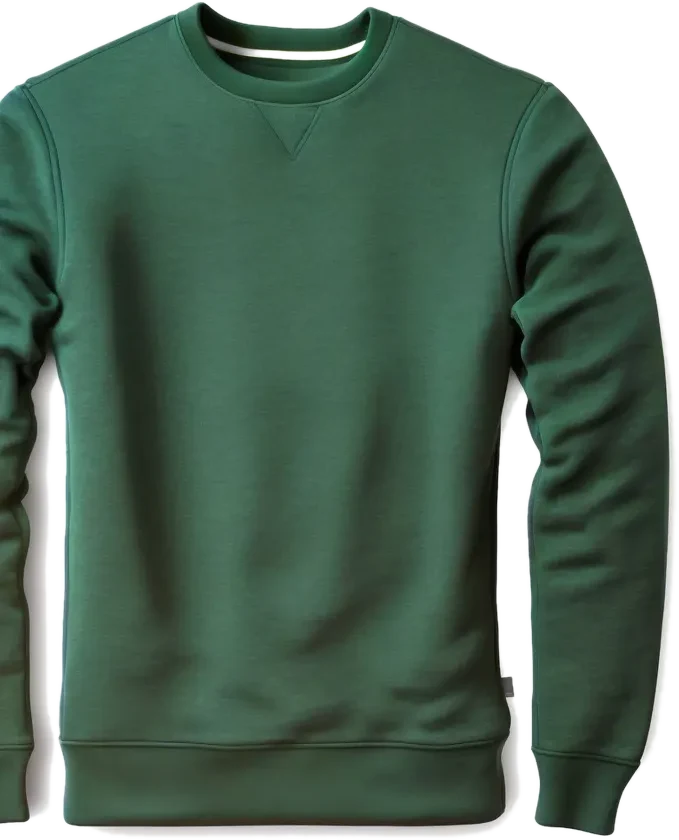
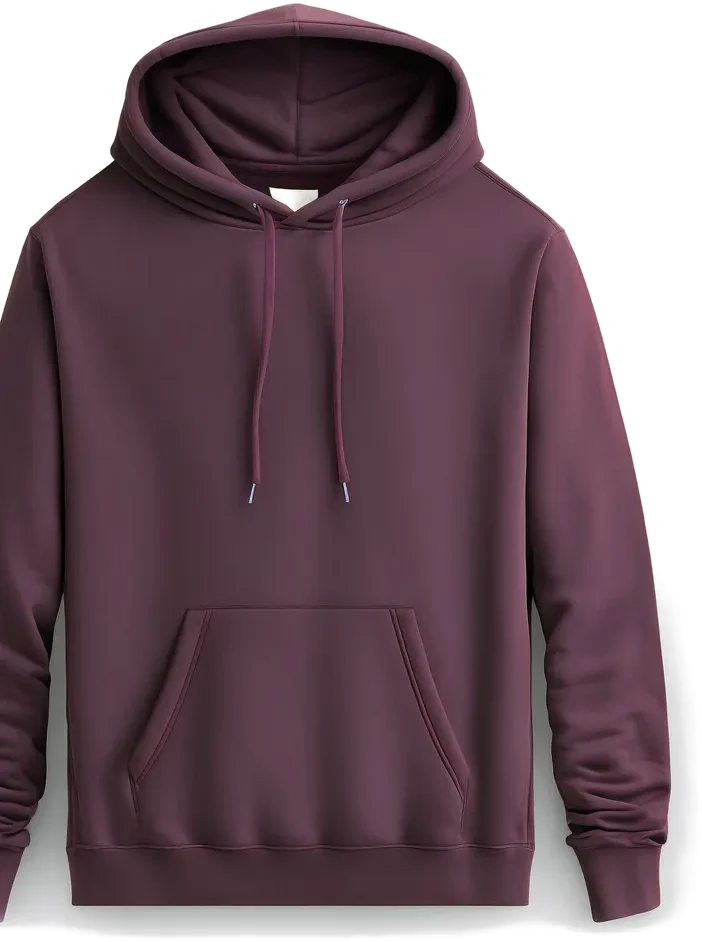
How it works
Install the app
You install the Neurocart app on your Shopify store and connect the store to the panel.Add the block in the theme editor
Add the Recommended products block to your product page and choose the type: similar products, bought together, complementary products (“complete the look”) or recommended for you.Read the results
The dashboard shows clicks, orders and revenue attributed to recommendations.
What it does
Similar products
Features, tags and description close to the product being viewed.Bought together
What customers who bought this product choose.Complete the look
A different kind of product that completes the one being viewed (complementary products).
And more
Recommended for you
A personal selection for each signed-in customer, based on their purchase history.Updated every night
Suggestions are recalculated every night, and recent orders count more.Cards in your theme's style
Cards inherit your theme's product card, recognized automatically, or you use a Neurocart style.
Frequently asked questions
How do I show related products on Shopify?
Install the app, then add the Recommended products block on the product page from the theme editor and pick the type. No code needed.
What is the difference between related and recommended products?
Related products are similar to the one being viewed; recommended products are a personal selection for a signed-in customer, from their purchase history. Neurocart offers both, plus bought together and complementary products.
How do I add “you may also like” or “complete the look”?
Add the Recommended products block, choose Similar products (or Cross-sell from cart in the Cart drawer recommendations block) and give the block the title “You may also like”. For “complete the look”, choose Complementary products.
Do I need a developer?
No. You install the app, connect the store to the panel with a code and choose your settings. Your theme code stays untouched.
Related products not showing on Shopify?
A related products block can stay empty when it is not added to the product template of your theme, or when a store or a product is new and there is little history to learn from. With Neurocart you add the block from the theme editor and pick the type; similar products start from your catalog (features, tags, description), so they can appear even with few orders, and the other types are refreshed every night from real purchases.
Keep exploring
Your store already knows what to recommend. Give it a voice.
Invite-only access · Setup included · Based in Italy